

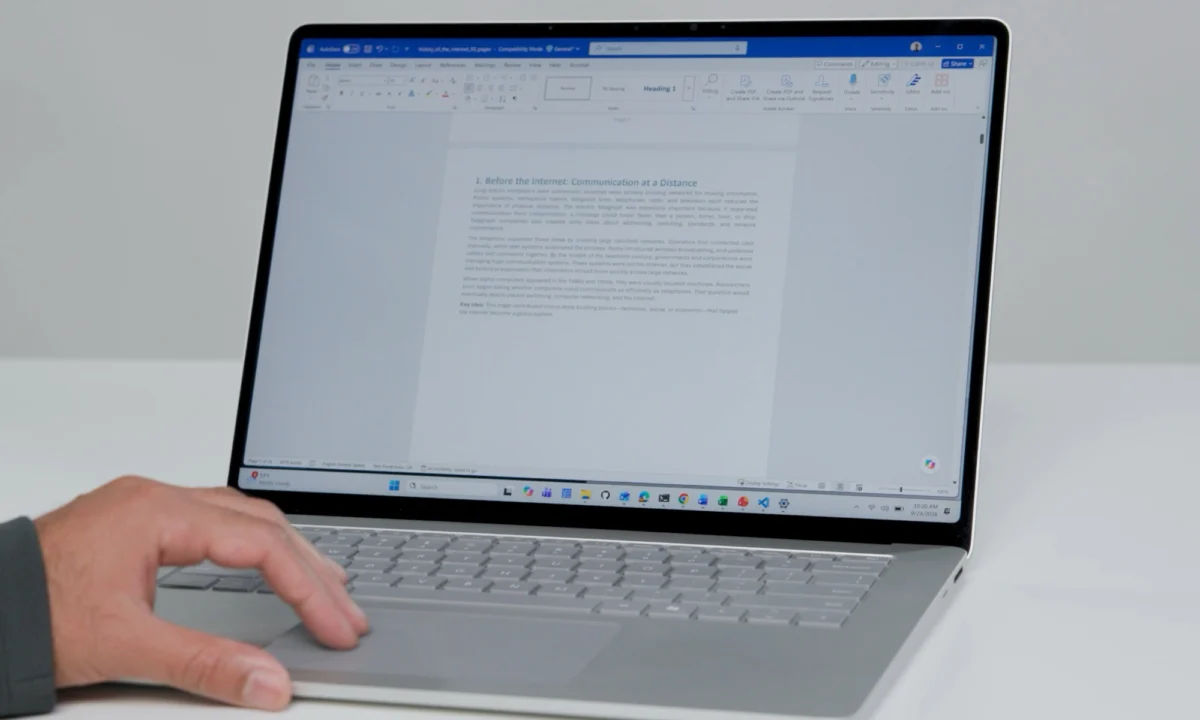
For years, Windows laptop users have engaged in a repetitive, rhythmic dance: swipe, lift, reset, repeat. Whether you are navigating a sprawling codebase, parsing through dense academic PDFs, or simply scrolling through an endless social media feed, the physical limitations of the laptop trackpad have long been a source of minor but persistent frustration.
Microsoft, recognizing that the human-computer interface is the bedrock of productivity, has announced a suite of three major touchpad enhancements designed to eliminate the physical friction of navigation. Unveiled as part of the company’s "Windows Tip of the Day" series by Marcus Ash, these features aim to harmonize the Windows experience with the fluidity long enjoyed by macOS users, while introducing novel innovations that could redefine how we interact with our hardware.
The Core Problem: Why Scrolling Feels Like Work
To understand why these updates matter, one must first look at the "human factors" of input devices. Ergonomics researchers have noted that repetitive lifting of the finger—the "reset motion"—introduces cognitive load and physical strain during long computing sessions. While high-end gaming mice offer infinite scroll wheels and tactile feedback, the humble laptop touchpad has remained relatively static for nearly a decade.
Microsoft’s internal research suggests that users spend a significant portion of their active computing time scrolling. By minimizing the number of gestures required to navigate a page, the company aims to reduce "micro-fatigue." The goal is not just speed; it is the creation of a seamless, continuous flow that allows the user to focus on content rather than the mechanics of reaching the bottom of a document.
Chronology of the Rollout
The introduction of these features is a phased effort, signaling Microsoft’s commitment to testing before full-scale deployment.

- October 23, 2026: Marcus Ash, a key figure in the Windows experience team, officially announced the three-pronged update via social media, highlighting the user-centric design approach.
- Late October 2026 (Current Status): Accelerated scrolling has been pushed to the general public, available immediately for all compatible Windows laptops.
- Early November 2026 (Forthcoming): Edge scrolling and single-finger scrolling are scheduled to arrive for Windows Insider members. This testing period will allow Microsoft to gather telemetry and feedback on the "feel" of these gestures before they reach the general consumer base.
- Q4 2026/Q1 2027: Anticipated full-scale release for all supported Windows 11 and successor iterations.
Detailed Breakdown of the Three Features
1. Accelerated Scrolling: The Velocity Shift
Accelerated scrolling is arguably the most impactful change for the average user. Historically, Windows scrolling has been linear—a fixed distance per physical swipe. With the new update, the system monitors the velocity of your finger flick. A quick, sharp swipe triggers a momentum-based scroll that travels further and faster than a standard movement. This allows users to "fling" themselves across long documents, providing a sense of physical weight and inertia. It is a feature that, once adopted, makes the previous "fixed-speed" method feel sluggish and archaic.
2. Edge Scrolling: The "Infinite" Trackpad
Perhaps the most innovative of the trio is Edge Scrolling. In traditional setups, once your finger hits the physical boundary of the touchpad, the scroll stops. To continue, you must lift your finger and return to the center of the pad. With Edge Scrolling, when your finger reaches the physical edge of the touchpad, the software "latches" onto the scroll event. As long as your finger remains held at the edge, the document continues to scroll at a controlled, steady pace. This mimics the behavior of a scrollbar, effectively turning the entire touchpad into a dynamic, continuous controller.
3. Single-Finger Scrolling: Simplifying the Gesture
While modern Windows laptops have largely standardized two-finger scrolling, some users—particularly those transitioning from legacy hardware or those with specific accessibility needs—have expressed a preference for single-finger input. Microsoft is introducing a native, optimized single-finger scrolling mode. By leveraging advanced palm-rejection algorithms, the system can distinguish between a deliberate scroll and an accidental touch, allowing for a more comfortable, relaxed posture for those who find two-finger gestures restrictive.
Supporting Data and Human Factors Research
The development of these features was not arbitrary. Microsoft’s human factors engineering team conducted extensive studies using motion-tracking hardware to measure the physical effort required for common navigation tasks.
According to internal reports, the transition from standard scrolling to accelerated scrolling reduces the number of "reset gestures" (the act of lifting and re-placing the finger) by approximately 40% on average-length webpages. For users navigating large datasets or long-form documents, the impact is even more pronounced. The fine-tuning of the "friction" and "resistance" in these software gestures was designed to match the natural acceleration and deceleration of human hand movements, ensuring the experience feels intuitive rather than mechanical.

Official Responses and Industry Context
The reaction from the tech community has been largely positive, with many applauding Microsoft for finally closing the feature gap with macOS. However, the move also highlights the increasing importance of software-level hardware optimization in an era where laptop trackpads have reached a physical plateau in terms of sensor resolution.
"We aren’t just looking at how fast we can make the screen move," an anonymous representative from the Windows engineering team noted. "We are looking at how to make the computer disappear. If you don’t have to think about where your finger is on the glass, you have more brainpower to devote to the actual work in front of you."
The integration of these features comes at a time when Microsoft is heavily investing in "vibe-coding" and AI-driven productivity tools, such as the newly released Copilot Code. By optimizing the physical interaction layer of the operating system, Microsoft is ensuring that the hardware doesn’t become a bottleneck for the high-speed, AI-assisted workflows it is currently pushing to its user base.
Broader Implications: The Future of Input
The implementation of these features has broader implications for the Windows ecosystem, particularly regarding accessibility and hardware standardization.
Accessibility Benefits
For users with motor-control challenges, the ability to trigger sustained scrolling via Edge Scrolling or single-finger inputs provides a more accessible path to navigation. By reducing the physical dexterity required to move through interfaces, Microsoft is moving closer to its stated goal of inclusive design for all users.

Software-Hardware Synergy
These updates reinforce the importance of Microsoft’s "Precision Touchpad" standards. By standardizing the behavior of these gestures at the OS level, Microsoft ensures that the user experience remains consistent regardless of whether the user is on a budget laptop or a premium device. This consistency is vital for maintaining the brand integrity of the Windows platform against competitors like Apple, which have long benefited from the tight integration between macOS and their proprietary trackpad hardware.
The Shift Toward "Invisible" Computing
As we move into 2027, the focus of OS development is shifting away from visual aesthetics and toward "invisible" utility—features that improve the user experience without requiring the user to learn a new interface. Accelerated scrolling is the perfect example: it works exactly how the user expects it to work, only better.
Conclusion: A More Fluid Tomorrow
The introduction of these three touchpad tricks may seem like a minor update in the grand scope of operating system development, but it represents a significant shift in Microsoft’s philosophy. By paying attention to the small, repetitive actions that constitute our daily digital lives, the company is demonstrating a commitment to refinement over reinvention.
For the professional coder, the student, and the casual web browser, these changes offer a glimpse into a more ergonomic future. As Windows continues to evolve, these subtle, "human-centric" improvements will likely prove just as important as the headline-grabbing AI features and cloud integrations.
While the full suite of tools is still rolling out to the Insider community, the initial reception to accelerated scrolling suggests that users are ready for a more fluid way to navigate the digital world. The days of endless, manual swiping may finally be coming to an end, replaced by a smoother, more intuitive way to traverse the pages of our digital lives.

As Microsoft continues to iterate, one thing is clear: the path to productivity isn’t just about what you can do on your computer—it’s about how little effort it takes to get there.
